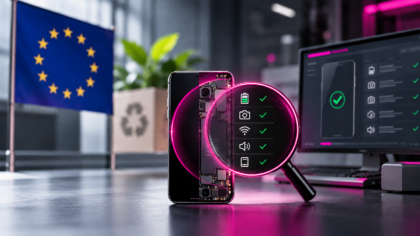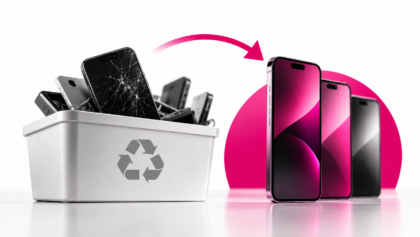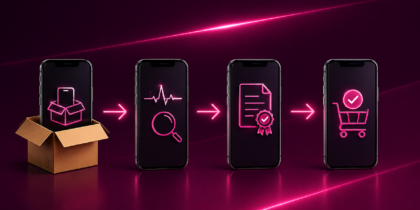
M360 now integrates with ResellSync, making it easier than ever to import verified device data by IMEI, speed up purchase order workflows and access certified diagnostic reports directly inside your reselling platform.
We’re excited to announce our latest partnership: M360 is now fully integrated with ResellSync – the inventory and marketplace management platform built for phone resellers.
This integration combines the strengths of both platforms:
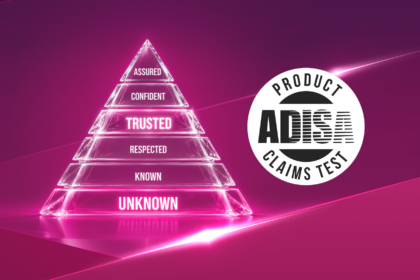
- M360: professional diagnostics, grading, secure ADISA-certified data erasure and trusted certification reports
- ResellSync: powerful inventory syncing and marketplace management across eBay, Back Market, Reebelo and more
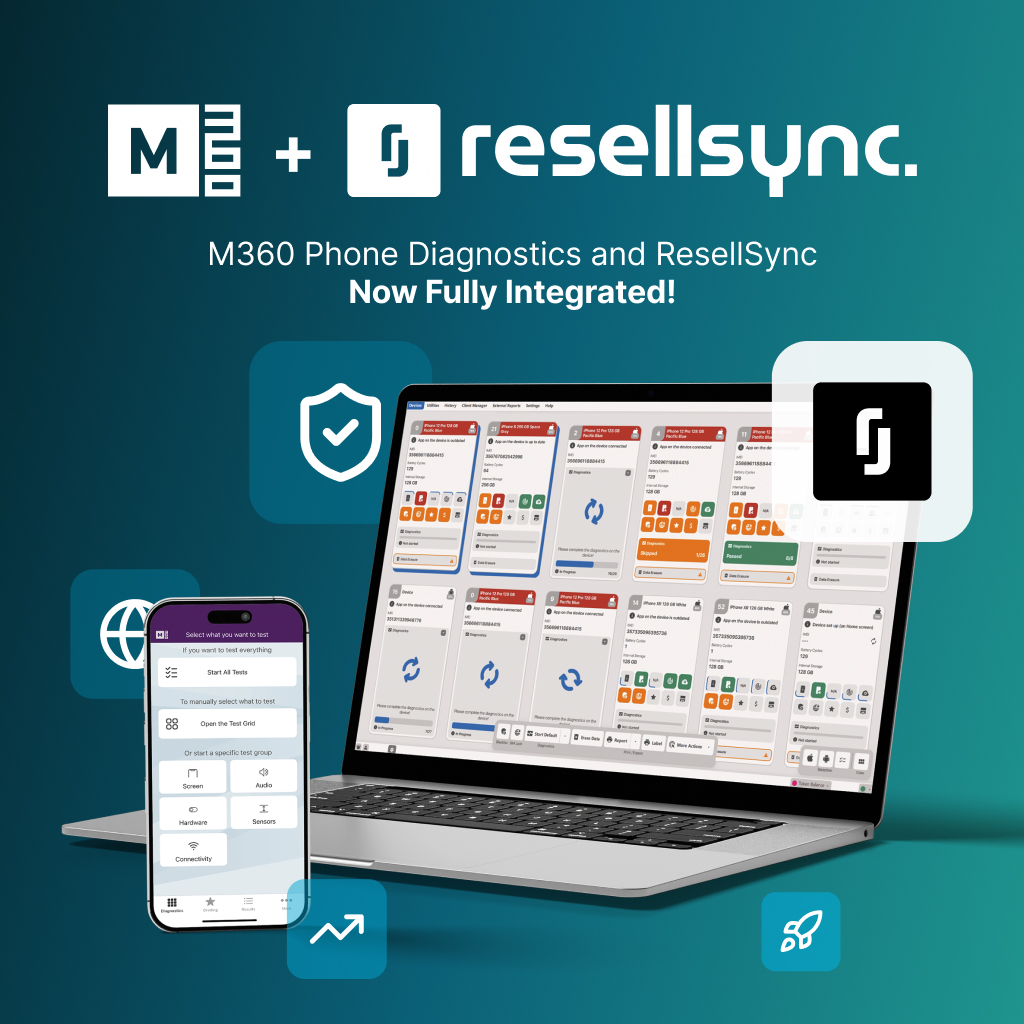
Together, they make it faster and more accurate to source, verify and list used devices – without the manual work in between.
Why ResellSync x M360?
The used phone reselling industry runs on speed and accuracy. Resellers need to process purchase orders quickly, list devices with confidence and back up every condition claim with real data – not just a visual check.
- ResellSync helps businesses sync inventory and manage listings across major resale marketplaces from a single platform, eliminating the complexity of selling across multiple channels.
- M360 provides professional diagnostics, ADISA-certified data erasure, precise grading and certification reports, ensuring every device is verified before it reaches a buyer.
When combined, the integration cuts manual data entry, speeds up purchase order intake and attaches verified diagnostic data to every device in your ResellSync inventory – so your listings are backed by proof, not assumptions.
What you can do with the integration
With the new M360 x ResellSync integration, verified device data flows directly from M360 into your ResellSync inventory. No switching platforms, no retyping specs, no uploading reports manually.
Here’s what’s included:
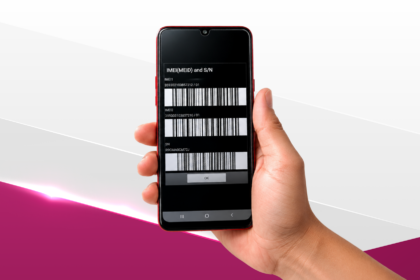
- Import Devices by IMEI – Pull verified device details directly into ResellSync by scanning or entering an IMEI. Device data is fetched from your M360 account instantly.
- Bulk Import for Purchase Orders – Process large batches of devices faster. Import multiple devices at once when building purchase orders, significantly reducing intake time at volume.
- Access Diagnostic Reports – M360’s professional diagnostic reports are accessible directly within ResellSync, giving you verified condition data to stand behind every listing.
- Sell with confidence across channels – Accurate M360 condition data behind every device you list on eBay, Back Market, Reebelo and more.
How the M360 x ResellSync integration works (step-by-step)
1. Connect M360 to your ResellSync account
- In ResellSync, navigate to Settings → Integrations.
- Select M360 from the list of available integrations.
- Enter your M360 Auth-Token & Auth-Code: find this in your M360 Dashboard.
- Save the integration to complete the connection.
ResellSync is now linked to your M360 account. Important to note that you will need to have a paid licence on both platforms to activate the integration.
2. Import devices by IMEI
- When adding inventory or creating a Purchase Order in ResellSync, you can import via M360.
- Enter the IMEI(s) of the devices you want to import.
- Devices must have already been tested in M360 – the integration fetches results directly from your M360 account.
- Device details and diagnostic data will populate automatically into your ResellSync inventory.
3. Bulk import for purchase orders
- For larger batches, use the Bulk Import feature when building a Purchase Order.
- Enter or upload your list of IMEIs.
- M360 diagnostic results are fetched and mapped to each device automatically.
- Review, confirm and save – your purchase order is built with verified device data already attached.
Who benefits most?
This integration is built for businesses operating in the used phone reselling space, particularly:
- Phone resellers selling across multiple marketplaces who need accurate, consistent condition data at scale
- Wholesalers and distributors handling large purchase orders who need fast, reliable device intake without manual effort
- Recommerce businesses looking to back their listings with verified diagnostic reports and build lasting buyer trust
Start streamlining your resell workflow today
ResellSync users can activate the M360 integration in just a few clicks. Not on ResellSync yet? Check out ResellSync here and see how it simplifies inventory and marketplace management for phone resellers across the US.
👉 Already an M360 user? Connect your account to ResellSync today and start sourcing, verifying and listing faster.
FAQs: M360 x ResellSync integration
1. What is the M360 x ResellSync integration? The M360 x ResellSync integration allows phone resellers to import verified device data into ResellSync by IMEI, run bulk imports for purchase orders and access M360 diagnostic reports – all without leaving the ResellSync platform.
2. What data is imported from M360 into ResellSync? Device details fetched via IMEI (manufacturer, model, storage, network, variant and more), M360 diagnostic test results and grading data, and access to M360 certification reports.
3. How do I set up the integration? In ResellSync, go to Settings → Integrations, select M360, enter your M360 Auth-Token & Auth-Code (found in your M360 Dashboard) and save. Full setup instructions are available here.
4. Does the integration support bulk imports? Yes. The bulk import feature lets you import multiple devices at once when building a purchase order in ResellSync, pulling M360 diagnostic data for each device automatically.
5. Do devices need to be tested in M360 first? Yes. Devices must have been tested and stored in your M360 account before the integration can fetch their data. The integration pulls directly from your existing M360 results.
6. Does M360 provide secure data erasure? Yes. M360 provides ADISA-certified data erasure to ensure devices are securely wiped and safe for resale before entering your reselling inventory.
7. Can I access M360 diagnostic reports inside ResellSync? Yes. M360 diagnostic reports are accessible directly within ResellSync once the integration is active – no need to switch between platforms to verify device condition.
8. Does it cost extra to use the integration? The integration carries no additional fee from M360. You will need a paid active licence on both M360 and ResellSync to use it.
9. Who is ResellSync built for? ResellSync is built for phone resellers managing inventory and listings across multiple marketplaces, including eBay, Back Market and Reebelo, from a single platform.
10. Where can I get support? For M360-related questions, contact the M360 Support Team at [email protected]. For ResellSync-specific setup, refer to the ResellSync help centre or contact their support team directly.